Engineering · 02Model viewer
NWD Studio
Open Autodesk Navisworks models on a Mac — no Autodesk account, no cloud, no upload.
Version
0.6.0 Released
Native format
.nwd · .nwc
Also reads
STEP · IGES · BREP · STL · OBJ · glTF · VRML
Licence
Open core (MIT) Public repository
01What it is
An offline viewer, and nothing else
NWD Studio opens Autodesk Navisworks .nwd and .nwc files on a Mac without an Autodesk account, without uploading the model anywhere, and without any Autodesk product installed. It also opens STEP, IGES, BREP, STL, OBJ, glTF and VRML.
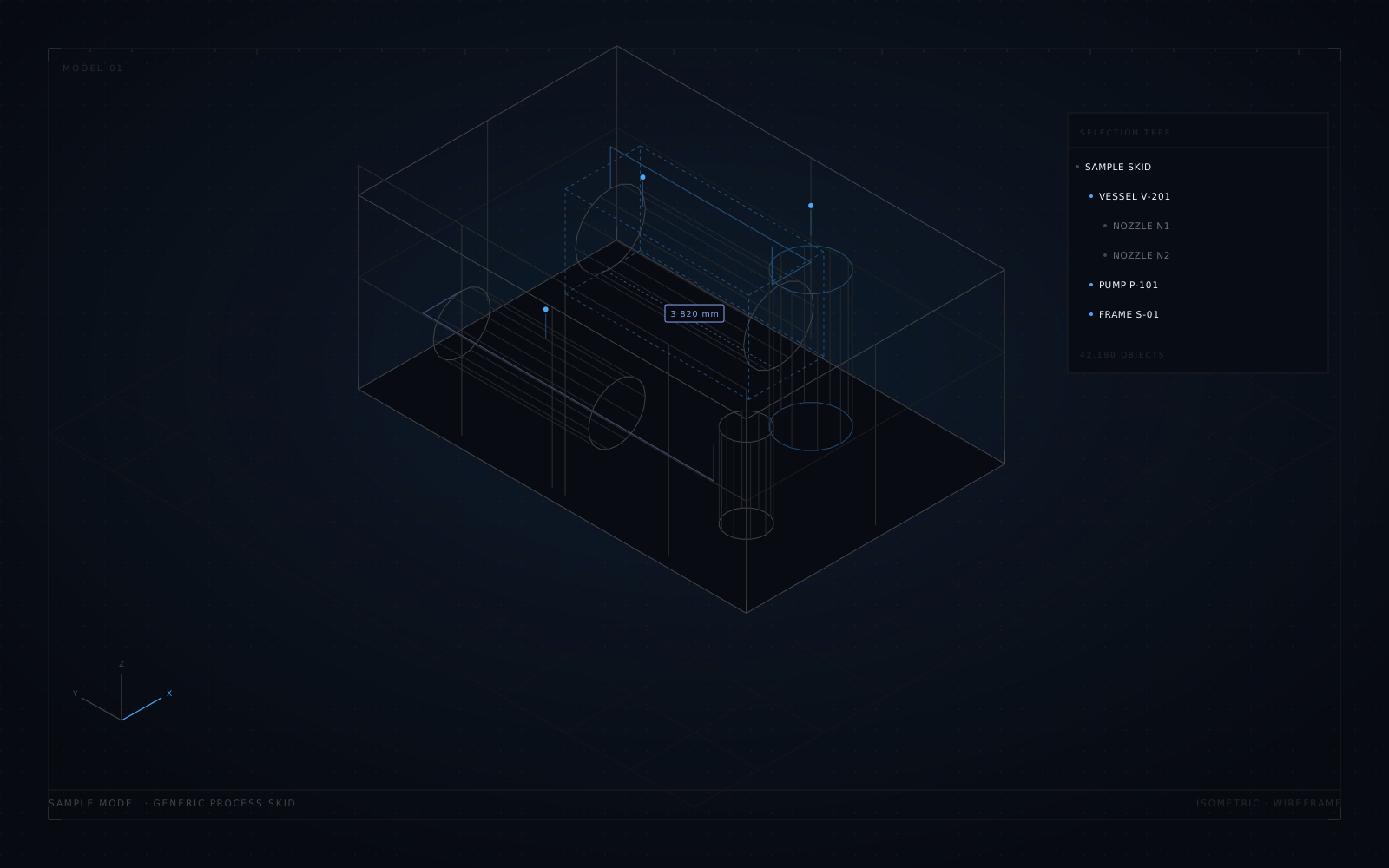
The target is the review experience: orbit and walk, a selection tree, element properties, hide and isolate, section planes, measurement, saved viewpoints and selection sets. All of it local, all of it from the file you opened.
Models are large and often belong to someone else. That is exactly why nothing is uploaded, sampled, or sent anywhere for conversion.
02The viewer
What you can do with a model you did not create
Review, not authoring. The point is to answer questions about a model on a machine that has no Navisworks licence.
01
Walkthrough
Orbit, pan and walk through the model at architectural scale.
02
Selection tree
The file's own hierarchy, with search, so a 20-minute model stays navigable.
03
Properties
Element properties as stored in the file — category, type, and the fields the exporter kept.
04
Hide and isolate
Reduce the model to the one area or system under review.
05
Section planes
Cut the model on an axis to see what is behind the wall or the deck.
06
Measure
Point-to-point distances in the model's own units.
07
Viewpoints
Save the camera position that answers the question, and return to it.
08
Selection sets
Save a group of elements so a review can go back to exactly the same group.
03Formats
One viewer, two kinds of file
Navisworks files are opened natively. CAD interchange formats are read on import, in the same session.
Trademarks
Navisworks is a trademark of Autodesk. NWD Studio reads .nwd and .nwc files locally; it is not an Autodesk product and is not affiliated with or endorsed by Autodesk.
| Format | Kind | Opened as |
|---|---|---|
| .nwd · .nwc | Navisworks | Native, with tree and properties |
| STEP | CAD interchange | Geometry, assembly structure |
| IGES | CAD interchange | Geometry, assembly structure |
| BREP | CAD interchange | Geometry, assembly structure |
| STL | Mesh | Triangulated geometry |
| OBJ | Mesh | Triangulated geometry |
| glTF | Mesh | Triangulated geometry |
| VRML | Mesh | Triangulated geometry |
04Mobile
The same review, on a phone or a tablet
The viewer also ships for iOS and Android. On iOS it is distributed as Cadmira 1.0.0, a CAD-only branch of the same engine; Android follows the desktop version.
This is a review tool for a site visit, not a desktop replacement: the tree, properties and section planes are there, on a device that fits in a pocket.
| Platform | Build | Size |
|---|---|---|
| iOS | Cadmira 1.0.0 | 9.7 MB |
| Android | NWD Studio 0.5.7 | 6.6 MB |
05Status
What is not in the build
In development
Cable-tray and instrument-cable design exists in the repository, but it is not part of the current macOS or Windows builds. It is not offered here as a shipping feature, because it is not in the build you would download. When it ships, this page will say so.
06Specification
Builds and licence
The core engine is open source (MIT) and lives in a public repository. Current builds and later add-on features are commercial — but everything is free during the launch period, and nothing needs an account or a key.
The iOS build is installable now by sideloading: it needs a computer and a free Apple ID, and it has to be re-signed roughly weekly. Installation notes come with the build; ask if anything is unclear.
A Pro edition of the macOS apps is sold directly from this site. The Pro note explains what is decided so far.
| Build | File | Size |
|---|---|---|
| macOS | NWD-Studio-0.6.0-macos.zip | 18 MB |
| Windows | Available on request | — |
| iOS | Cadmira-1.0.0-ios-unsigned.ipa | 9.7 MB |
| Android | NWD-Studio-0.5.7-android.apk | 6.6 MB |